Gaussian Splatting File Formats Explained
A plain guide to Gaussian splatting file formats, including PLY, SOG, SPZ, SPLAT, KSPLAT, viewer support, hosting, performance, and publishing.

A plain guide to Gaussian splatting file formats, including PLY, SOG, SPZ, SPLAT, KSPLAT, viewer support, hosting, performance, and publishing.
The right format is the one your generation, editing, hosting, and viewer stack can support without weakening the final tour.
Short answer
Format choice matters most when it affects load time, compatibility, and update workflow.
The right format is the one your generation, editing, hosting, and viewer stack can support without weakening the final tour. Pick the format that preserves enough visual quality, loads on the target devices, and still works with the publishing workflow.
To quickly check a .ply, .compressed.ply, .splat, .ksplat, .sog, or .spz, open it in the Spatial Studio Splat Viewer. Use a hosted lod-meta.json URL when you need to inspect a streaming LOD scene.
Choose an interchange file and a delivery file
| Role | Priority | Typical decision |
|---|---|---|
| Source or archive | Preserve the richest reusable result and provenance. | Keep the original generator export and project data. |
| Editing interchange | Open reliably in the editor without losing needed attributes. | Verify round-trip behavior before deleting the source. |
| Web delivery | Reduce transfer and memory while preserving important detail. | Compare compact formats and streaming options on target devices. |
| Client handoff | Match the recipient's actual tool or publish a browser tour. | Do not send an unfamiliar raw file when a link is the expected deliverable. |
Practical checklist
- Name the source tool and exported format.
- Check editor support before committing.
- Test compression on important scene areas.
- Open the exported file in a browser viewer before sending it.
- Keep source and published versions separate.
- Document the format used for each client project.
How to open common splat files
| File type | How to open it | What to check |
|---|---|---|
.ply file | Drop it into the Splat Viewer. | Confirm it is a Gaussian splat PLY, not only a mesh PLY. |
.compressed.ply | Open it like a PLY file and compare against source. | Look for compression damage in important details. |
.sog file | Drop it into the viewer or paste a hosted URL. | Check browser load time and mobile performance. |
.spz file | Drop it into the viewer or paste a hosted URL. | Check visual quality after compact delivery. |
.splat or .ksplat | Open the local file or hosted file URL. | Check camera controls, orientation, and whether cleanup is due. |
lod-meta.json | Paste a hosted metadata URL. | Confirm chunk files are reachable from the metadata path. |
How formats affect the workflow
Formats matter at four points: generation output, editing support, browser viewing, and final publishing. A file can look good in one tool and still fail later if the next viewer cannot open it, if the hosted paths break, or if the compressed version damages the areas people care about.
Keep the original export, the edited file, and the published version separate. That makes it easier to test a lighter web format without losing the source scene.
Where Spatial Studio fits
Spatial Studio can generate splats from flexible capture sources, open supported splat files in the browser, and publish finished scenes as guided tours. Use the viewer for a quick format check. Use the tour workflow when the scene needs waypoints, hotspots, embeds, CTAs, and analytics.
The ecosystem includes local Mac exports, cloud generation, and uploads from other tools. Spatial Lens, 360, drone, photo, PortalCam, and existing-splat routes can therefore use different source files while converging on one published-tour format.
Format mistakes to avoid
- Renaming an extension and assuming the bytes have been converted.
- Treating all PLY files as the same schema or even the same kind of 3D asset.
- Throwing away the source after making a compact browser copy.
- Comparing screenshots without matching camera, viewport, and load state.
- Shipping
lod-meta.jsonwhile its referenced chunks are inaccessible.
What the finished tour should prove
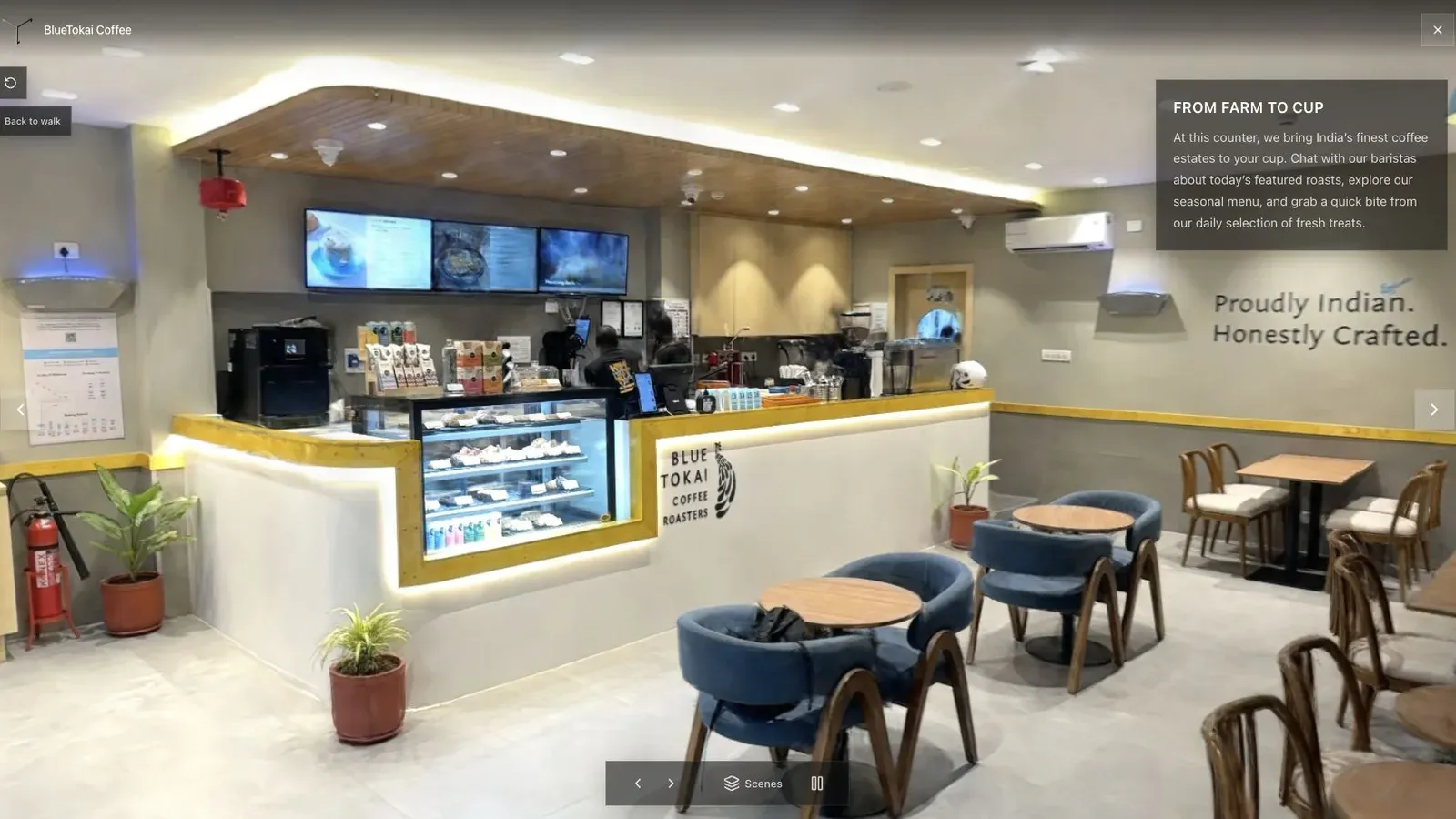
A published cafe tour gives visitors a clear first view before they move through the space.
For each candidate, save the exact source hash, converter or product version, settings, output size, and a screenshot from the same camera. Open the file directly in the Spatial Studio viewer, then repeat inside the published tour. This distinguishes a format problem from a hosting or authoring problem.
Inspect the scene's fragile details. The cafe may reveal chair legs, signage, reflections, and window frames that change after compression. A wide orbit can hide those losses.
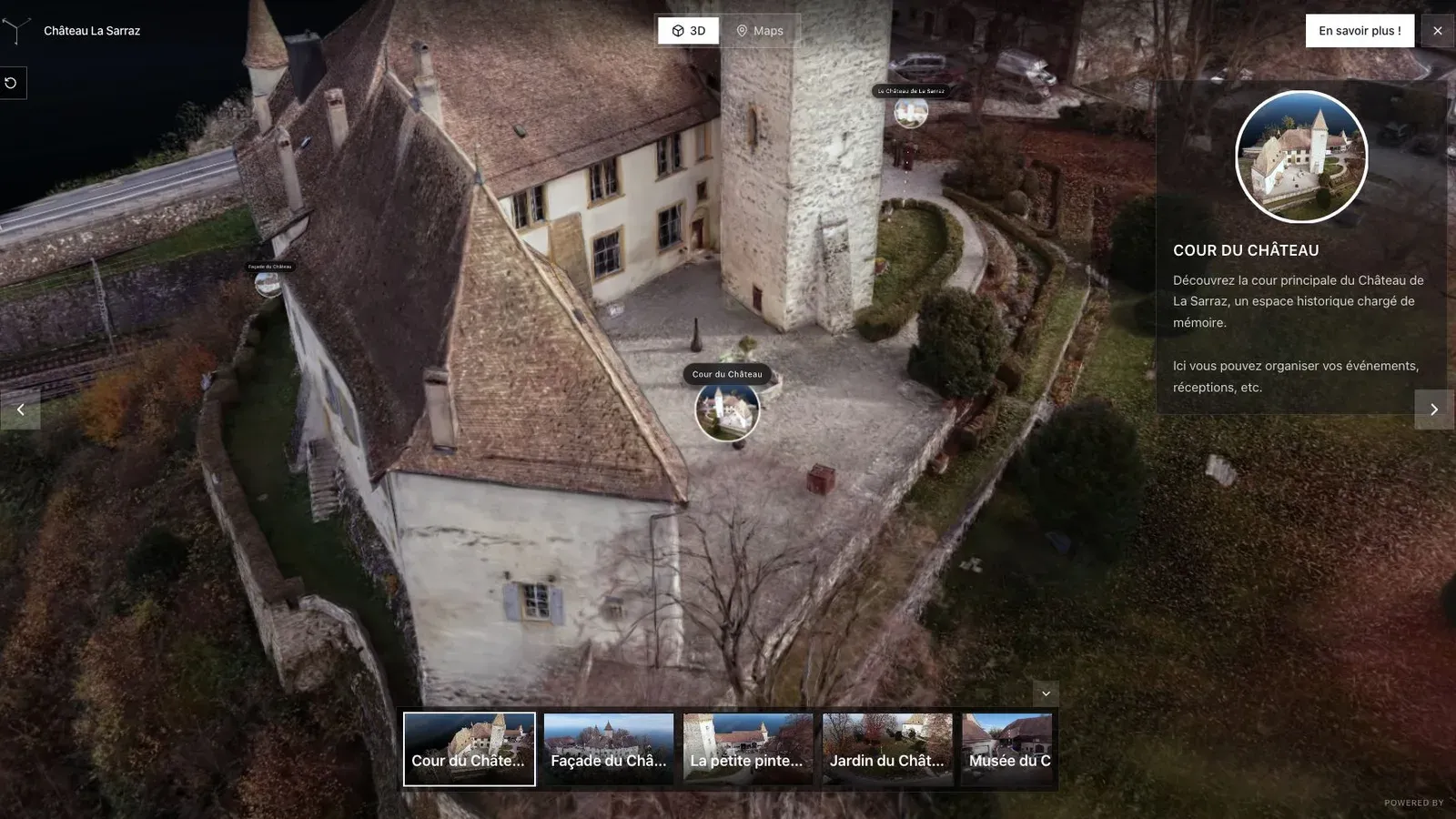
A heritage tour needs guided views so visitors can understand the building, courtyard, and points of interest.
For heritage or archive work, also decide what can be reproduced five years later. A compact delivery file is convenient, but the original capture, camera information, reconstruction project, and conversion notes may carry more long-term value.
Once a browser tour is published, the format should become invisible to the visitor. Keep the technical handoff documented internally and give the client a stable link unless they explicitly require the asset.
Use a simple acceptance test before choosing the stack. Open the raw file in the Splat Viewer, then open the published tour in a normal browser. Move through the first three important views and check whether the format, hosting, and viewer choices stay invisible to the visitor.
Related reading
- Gaussian Splat Viewer
- Gaussian Splatting Software
- Video to Gaussian Splat
- Splat Virtual Tour Software
Next step
Open one exported splat in the Spatial Studio Splat Viewer. If the format loads cleanly, test the published tour path next.
Next step
Open the related workflow.
Review live examples or move straight into the matching Spatial Studio flow.
Continue reading
Related articles
Splat Tools
Gaussian Splat Viewer Online: Open and Inspect Splat Files
Open Gaussian splat files online with Spatial Studio Splat Viewer. Inspect PLY, compressed PLY, SPLAT, KSPLAT, SOG, SPZ, and hosted LOD scenes in the browser.
Read articleSplat Tools
SOG vs PLY vs SPZ for Gaussian Splats
Compare SOG, PLY, and SPZ Gaussian splat formats by viewer support, compatibility, editing, compression, hosting, and browser tour use.
Read article