Gaussian Splatting for Hotels and Resorts
Use Gaussian splatting for hotels and resorts to show rooms, amenities, paths, views, booking context, and shareable tours.

In this guide
Hotels and resorts need tours that show rooms, amenities, access, views, and booking context.
Short answer
Hospitality visitors use visuals to understand room flow, amenities, and whether the stay fits their plans.
Hotels and resorts need tours that show rooms, amenities, access, views, and booking context. A useful test is simple: can someone open the tour, understand the place, and know what to do next without a separate explanation?
Spatial Studio supports the hospitality chain: cloud generation from phone, 360, drone, photo, and mixed capture; Mac local generation; Spatial Lens on iPhone Pro; compatible PortalCam capture; then room and amenity tours with embeds, booking CTAs, and analytics.
How to judge the workflow
| Guest question | Tour answer |
|---|---|
| What will my room feel like? | An accurately labeled representative room type |
| How do amenities connect? | Short routes for dining, pool, spa, or meeting areas |
| Is it accessible for me? | Verified access information linked to the space |
| How do I book? | Room- or offer-specific availability action |
Practical checklist
- Start with the room or view that drives booking confidence.
- Add stops for lobby, rooms, pool, dining, and access paths.
- Use hotspots for amenities and policies.
- Embed tours on room or package pages.
- Track booking or inquiry CTA clicks.
Why Real Horizons is different
Real Horizons connects cloud splat generation with guided tour publishing. Spatial Studio supports captures from smartphones, 360 cameras, 360 drones, standard drones, DSLR/photo sets, and mixed media workflows. That matters when a hotel team wants one path from room, amenity, exterior, or aerial capture to a usable booking tour instead of stitching together separate tools for processing, viewer setup, publishing, and guest handoff.
Common mistakes
- Showing an upgraded room as representative of every category.
- Capturing occupied guest areas without privacy controls.
- Sending visitors through a long resort route before room selection.
- Hiding seasonal amenity limitations.
- Losing room context in a generic booking link.
Commercial packaging example
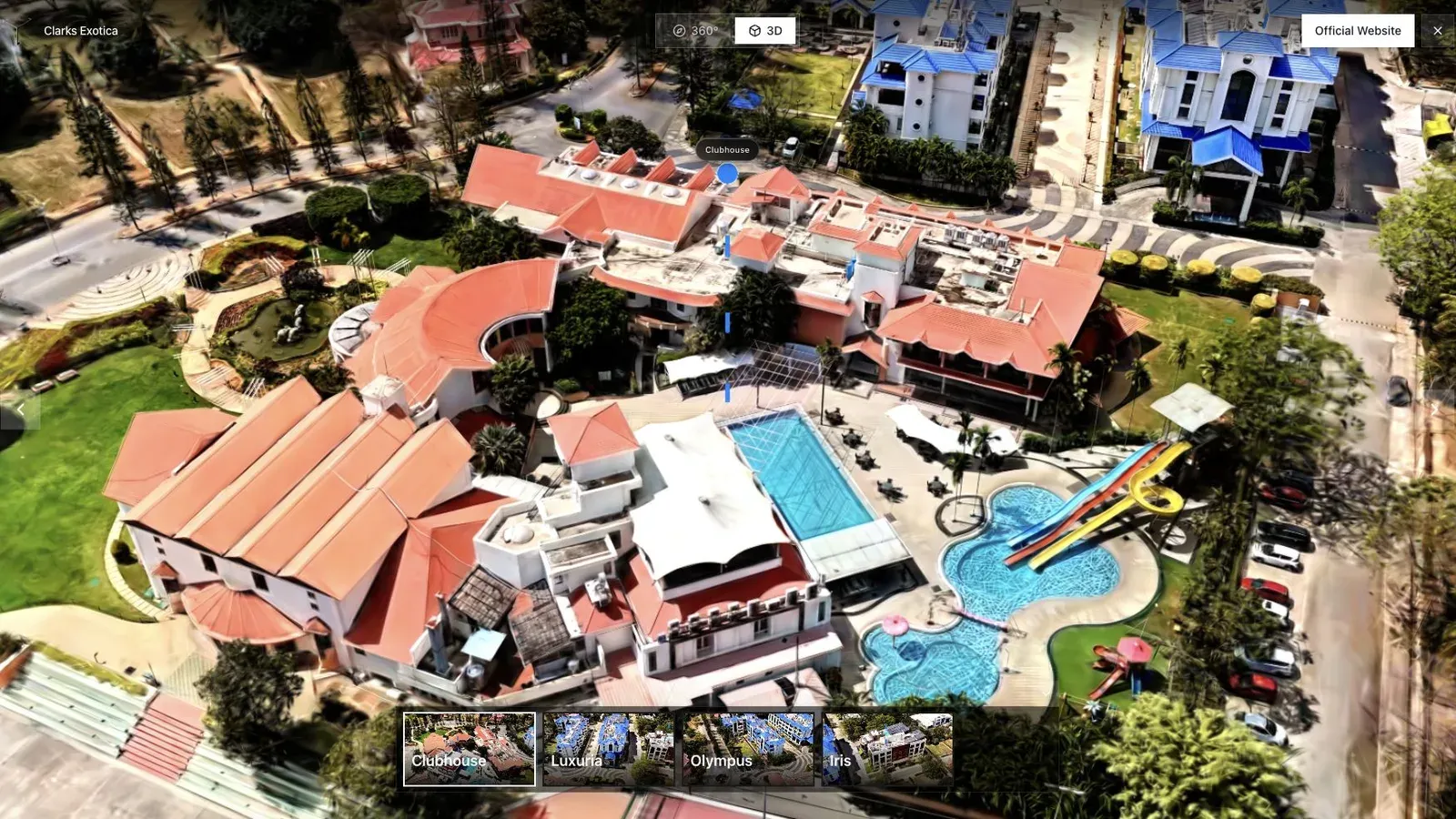
A resort or hospitality tour benefits from an opening view that shows amenities and surrounding context.
For this use case, the important question is what the tour helps a guest decide. A hotel guest may compare room categories, pool access, dining areas, views, and walk time between amenities. For hotel marketers, resort teams, and destination operators, the tour should make those choices clearer within the first few seconds.
Build separate, clearly labeled experiences for room categories and amenities. Guests should not have to guess whether the shown balcony, view, layout, or bathroom belongs to the category they are booking.
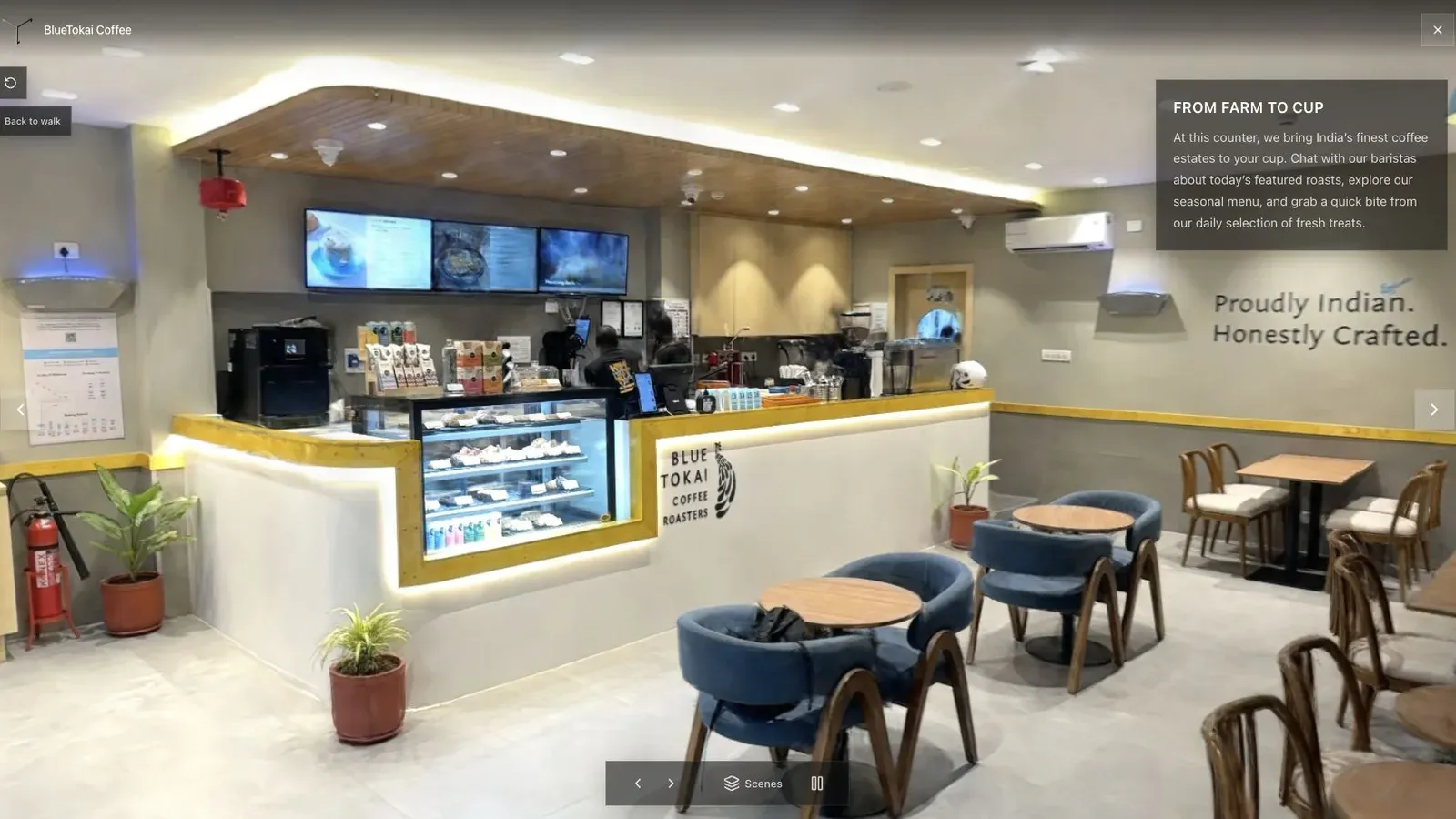
A published cafe tour gives visitors a clear first view before they move through the space.
Use aerial context for a resort, ground splats for arrival and amenities, and concise room tours for conversion. One enormous scene is harder to load, navigate, update, and reuse across room pages.
Have operations verify room labels, current furnishings, amenity status, and guest privacy. Compare tour readiness, room-route completion, and booking progression by device rather than total views. See Splat Virtual Tour Software.
Related reading
- Gaussian Splatting for Real Estate
- Splat Virtual Tour Software
- Real estate photographer packages
- Virtual Tours for Short-Term Rentals and Villas
- How to Make Money with Virtual Tours
- Virtual Tour Revenue Calculator
A repeatable offer for hospitality creators
Sell a booking experience rather than a scan: one capture plan, clearly named room and amenity stops, a mobile-reviewed tour, a booking CTA, and a defined hosting period. Spatial Studio is especially useful here because the same delivery can combine a Gaussian splat with maps, supporting media, guided context, branding, and analytics. A simpler panorama product may still be better when the client only needs inexpensive room-to-room navigation.
Creators should price additional room types, buildings, outdoor areas, language versions, seasonal updates, and reporting separately. Model the package with the free revenue calculator before offering an unlimited resort scope.
Next step
Generate a splat tour
Use the guide with your own project, or inspect a published example before starting.
Continue reading
Related articles
Commercial Use Cases
3D Map Tours for Land and Plot Sales
Use 3D map tours for land and plot sales to connect drone context, plot availability, access, landmarks, and buyer decisions.
Read articleCommercial Use Cases
3D Property Damage Documentation for Insurance and Restoration
Plan 3D property damage documentation for insurance and restoration using photos, 360 capture, Gaussian splats, guided review, and clear evidence boundaries.
Read article